Video
AI Video Tools: What to Expect
By Michael · Published 26 June 2026 · Updated 31 August 2026
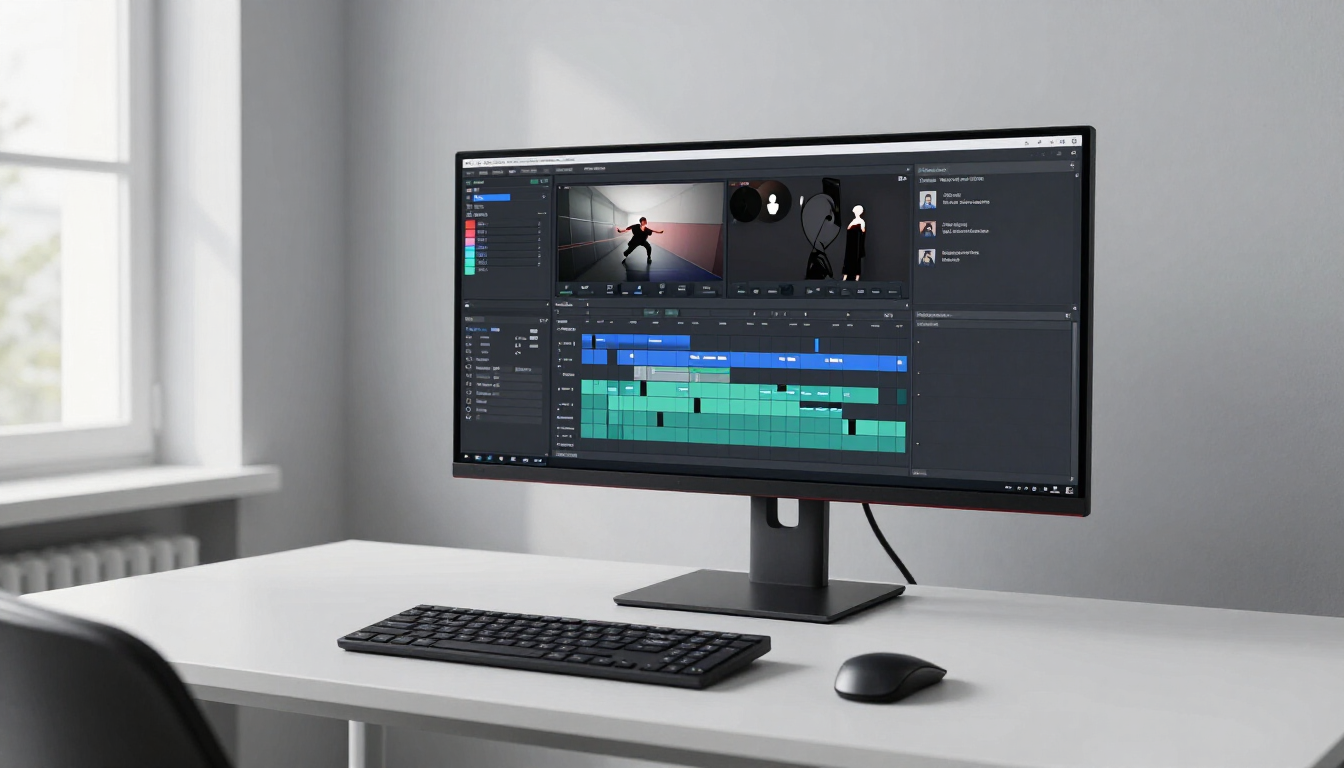
Where AI video is genuinely useful today, and where an assisted editor still beats it.
What are AI video tools?
AI video tools apply machine learning to part of the video production process. That covers a surprisingly wide range, so it helps to split them into three jobs:
- Generation - create new short clips from text or an image
- Assisted editing - cut, transcribe and refine existing footage faster
- Avatar presenters - produce presenter-led video without filming a person
These are different products, not variations of one. Deciding which job you need comes before comparing prices.
Who is it useful for?
AI video tools suit a few clear cases:
- Content creators who need short clips for social and want to move fast
- Marketing teams producing explainer or training content at scale
- Podcasters and interviewers who want to edit by editing the transcript
- Localisation teams who need the same video in several languages
If you produce long-form narrative film or broadcast work, traditional editing still leads. AI video is strongest on short, repeatable formats.
What should you look for?
The features that matter depend on the job, but a few checks apply across the board:
- Output quality - does the result look and sound acceptable on the platform you publish to?
- Render limits - how many minutes or credits do you get per month?
- Editing controls - can you trim, replace and refine, or only regenerate?
- Licensing - are you allowed to use the output commercially?
- Export formats - does it export to the format your editor or platform needs?
Render limits are the one most people underestimate. Estimate your monthly output before you compare headline prices.
Generation versus assisted editing
This is the most useful split when you are starting out. Runway leads on generation - turning text or an image into short clips. Descript is strongest for editing existing footage by editing the transcript, which is faster than scrubbing a timeline. Synthesia and HeyGen produce presenter-led videos with AI avatars and voices.
For interviews and podcasts, an assisted editor usually beats generation. You already have the footage; the job is to cut it down, clean it up and add captions - exactly what Descript is built for.
Watch the render minutes
Most pricing is per render minute or per credit. A plan that looks cheap per month can become expensive quickly if each video burns several credits. Work out a rough monthly volume first:
- How many videos do you publish per month?
- How long is each one?
- How many re-renders do you typically need?
Then compare plans on that volume. The cheapest headline plan is often the most expensive per finished video.
AI video tools to consider
A short shortlist covering the three jobs above:
- Runway - text and image to short clips
- Descript - edit video by editing the transcript
- Synthesia - avatar-led presenter video
See the full AI Video Tools category for more options, or compare tools side by side.
Frequently Asked Questions
For short, repeatable formats they can replace much of the manual work. For complex narrative or broadcast editing, a human editor still leads. Treat AI as a speed-up, not a full replacement.
Most generation tools produce short clips - a few seconds to a minute. Longer videos are usually assembled from multiple clips in an editor.
Yes. Avatar tools like Synthesia and HeyGen are commonly used for training and explainer content because they avoid filming a person and make localisation easier.
Often yes, but licensing depends on the plan and provider. Confirm the commercial usage terms on the official site before publishing.
Some links on AIDirectory4U may be affiliate links. If you purchase through these links, we may earn a commission at no extra cost to you. See our affiliate disclosure.
Browse more AI video tools in our directory.
Browse the directoryAI tools mentioned in this guide
Runway
VerifiedAI creative platform for generating and editing video, images and visual content.
Descript
VerifiedAll-in-one video and audio editor with AI transcription, cleanup, captions and voice features.
Synthesia
VerifiedAI video platform for creating videos with AI avatars and voiceovers.